

To simplify workflow, we encourage Clients to upload their Brand Assets here so it will be automatically pulled into every new Order. This ensures the Creator Team always has your latest assets to work with.
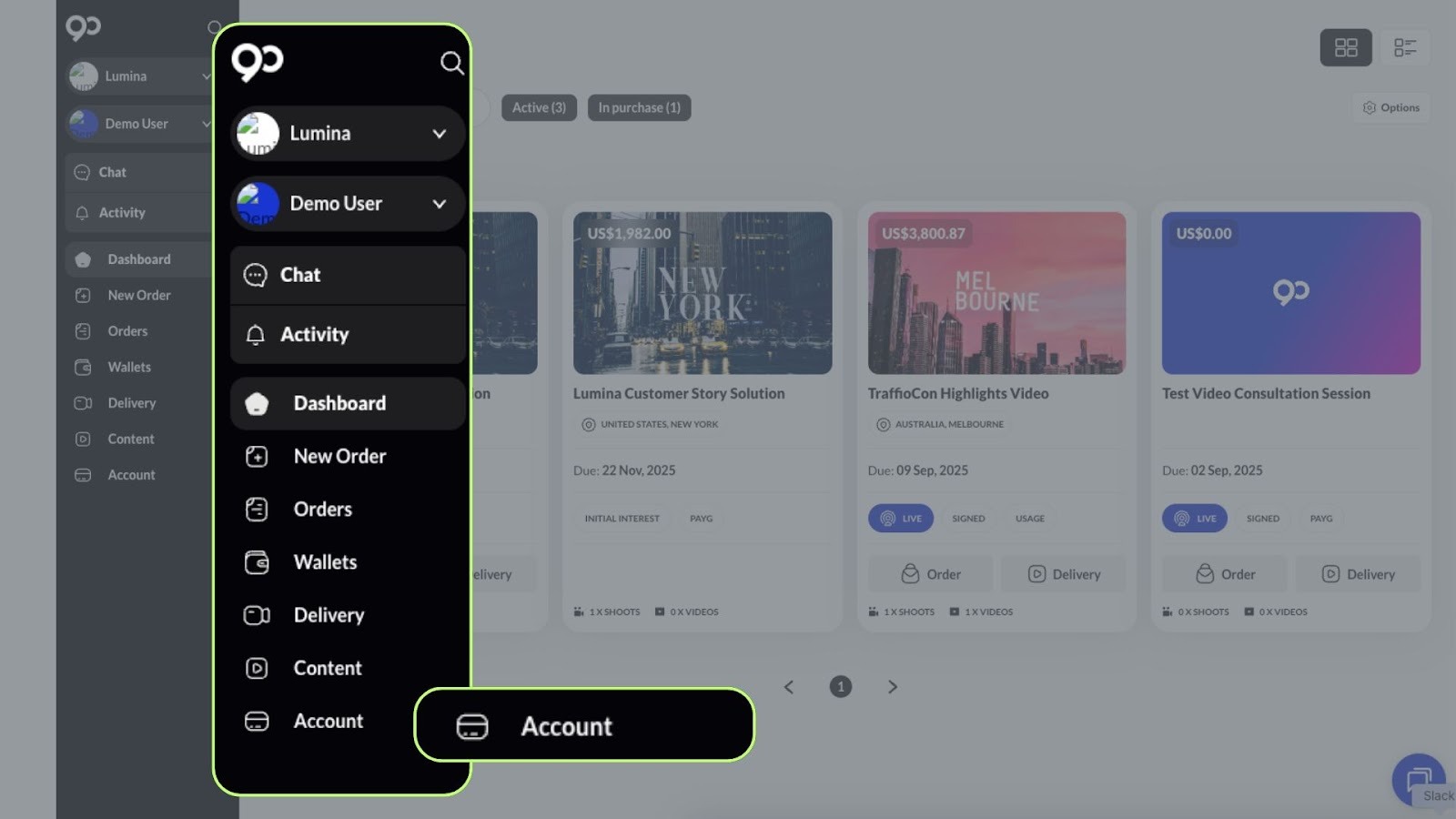
Step 1: Click Account on the left-most black bar.
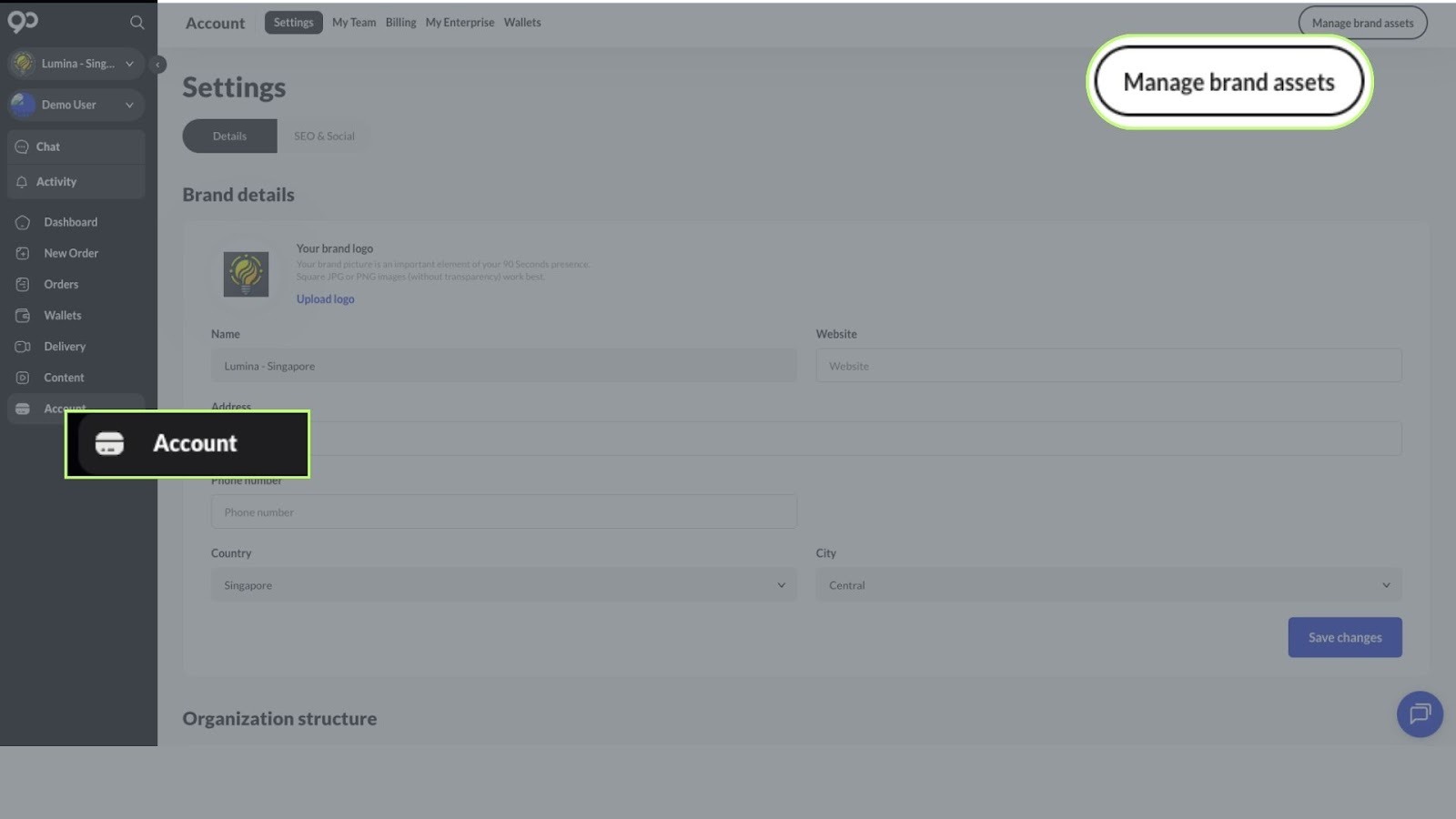
Step 2: Click Manage Brand Assets.
Step 3: Drag and drop all relevant Brand Assets into the box.