

Add team members and set their permissions across orders on your Brand’s Dashboard.
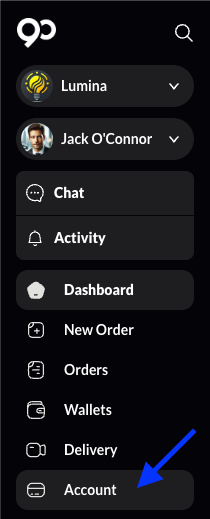
Head to your Dashboard’s Account page.
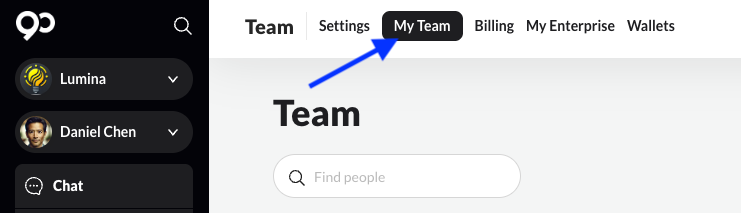
Navigate to ‘My Team’ on the top menu to view your existing team.
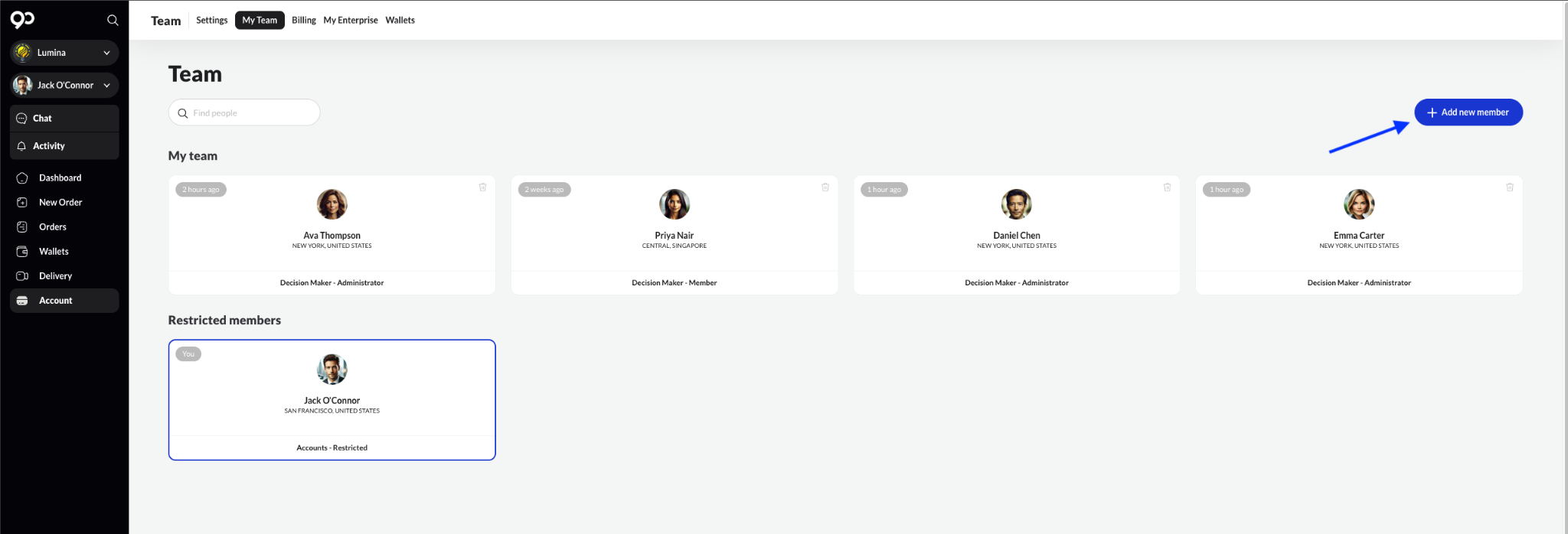
Click in ‘Add new member’
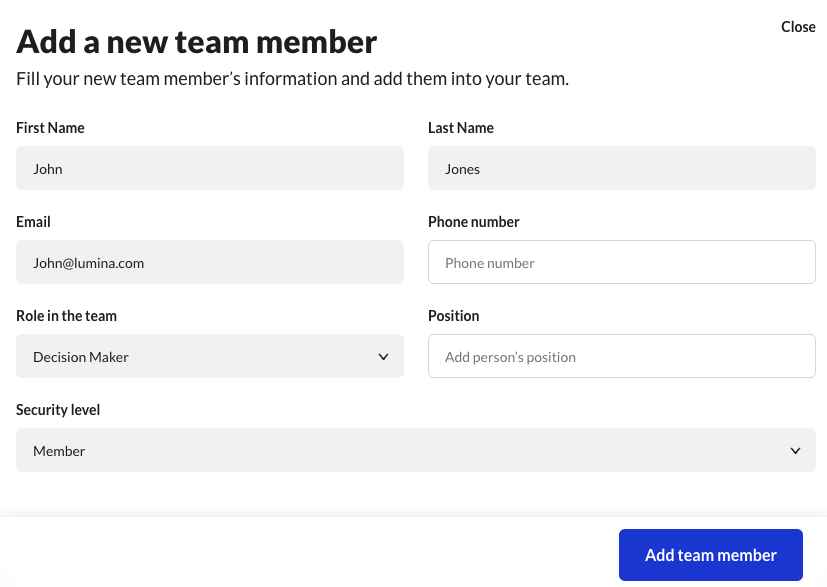
Enter the new team member’s details and permissions for the brand page. Click add team member again to confirm.
Adding a new team member sends an email notification to the user to complete the sign-up process on the platform.