

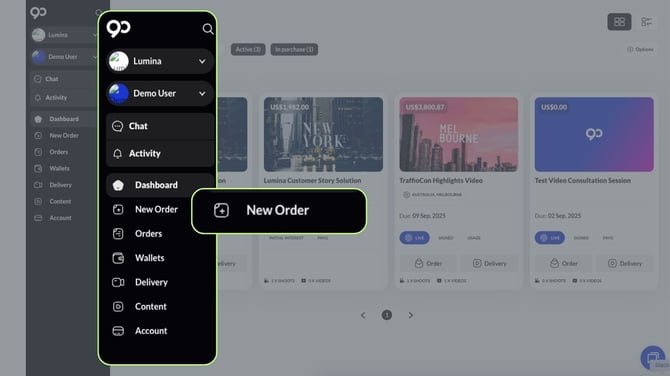
To place a self-order for a new brief, navigate to the New Order tab.
Browse our public inventory and select the Service/Solution that best meets your requirements.
Find It Easily!
-
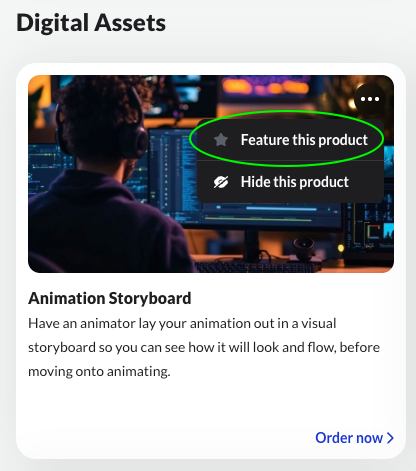
Click the 3 buttons on the top right side of each tile.
-
Select Feature this Product to move it to the top of the page.
For brands utilizing a private inventory, your custom Service/Solutions will be displayed prominently at the top of the page.
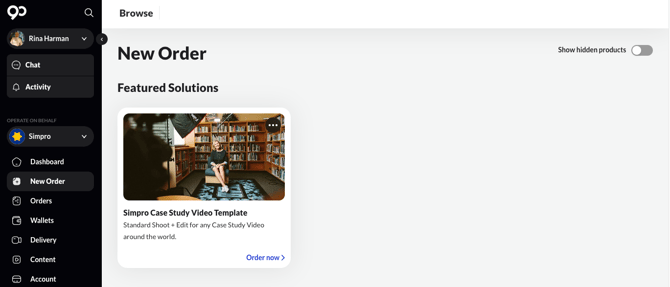
To start your order, simply click Order Now on the tile.